
99.95% Server Uptime, Unlimited Resources, and Multiple Server Options!
Download Now| App Name | Clash of Lights |
| Version | 18.0.2 |
| File Size | 302 MB |
| Package ID | com.clashof.lights.x |
| Category | Strategy |
| Last Updated | December 3, 2025 |


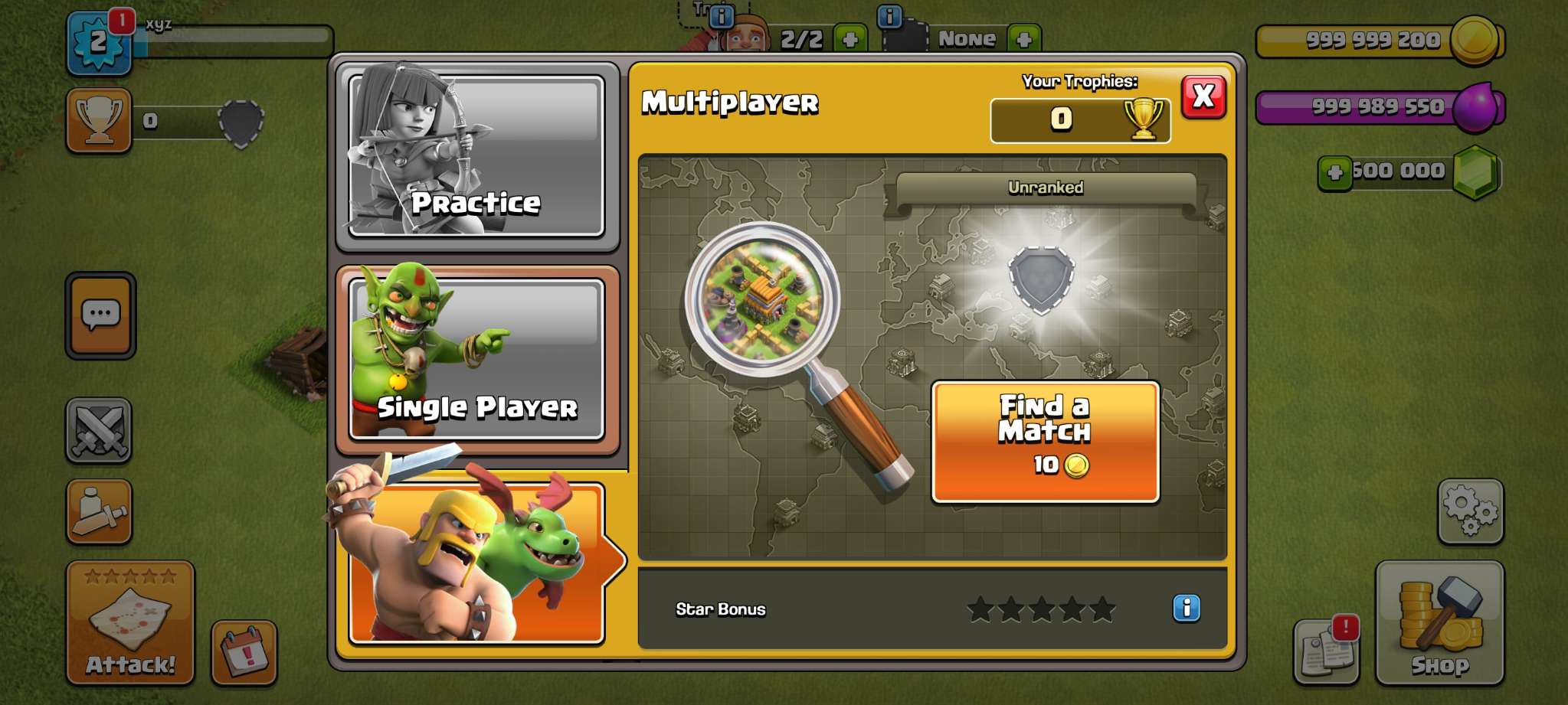

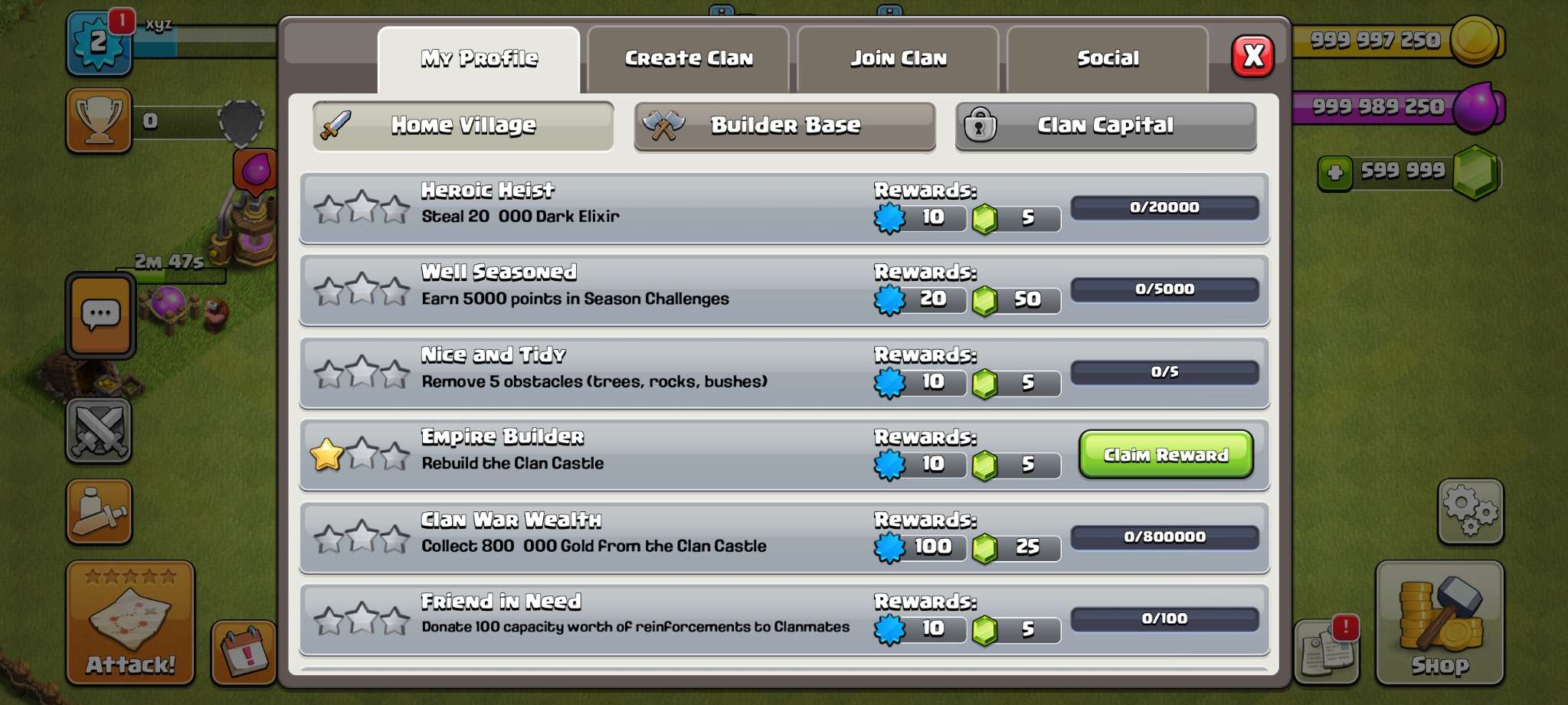
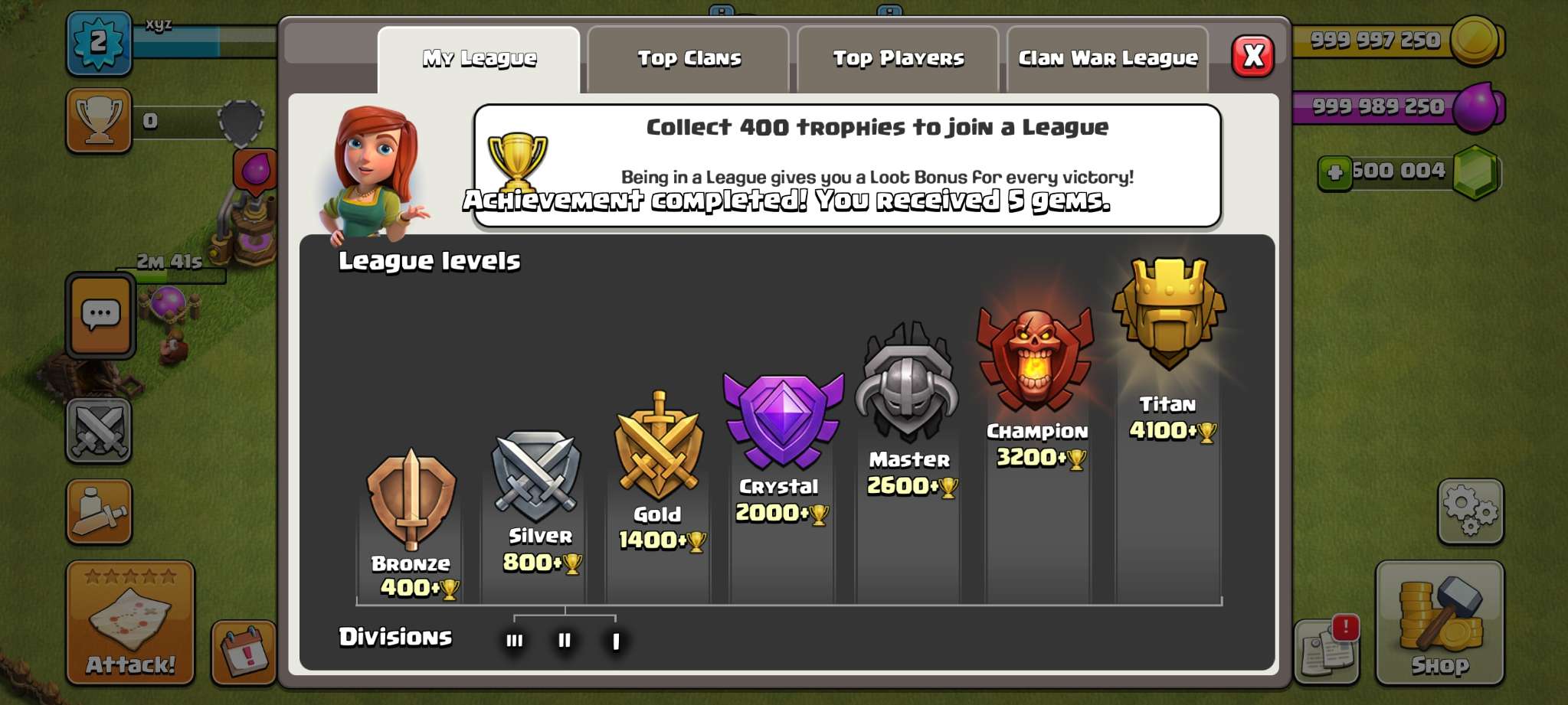

Clash of Lights boasts exceptional server reliability with 99.95% uptime, ensuring you can play anytime without interruptions.
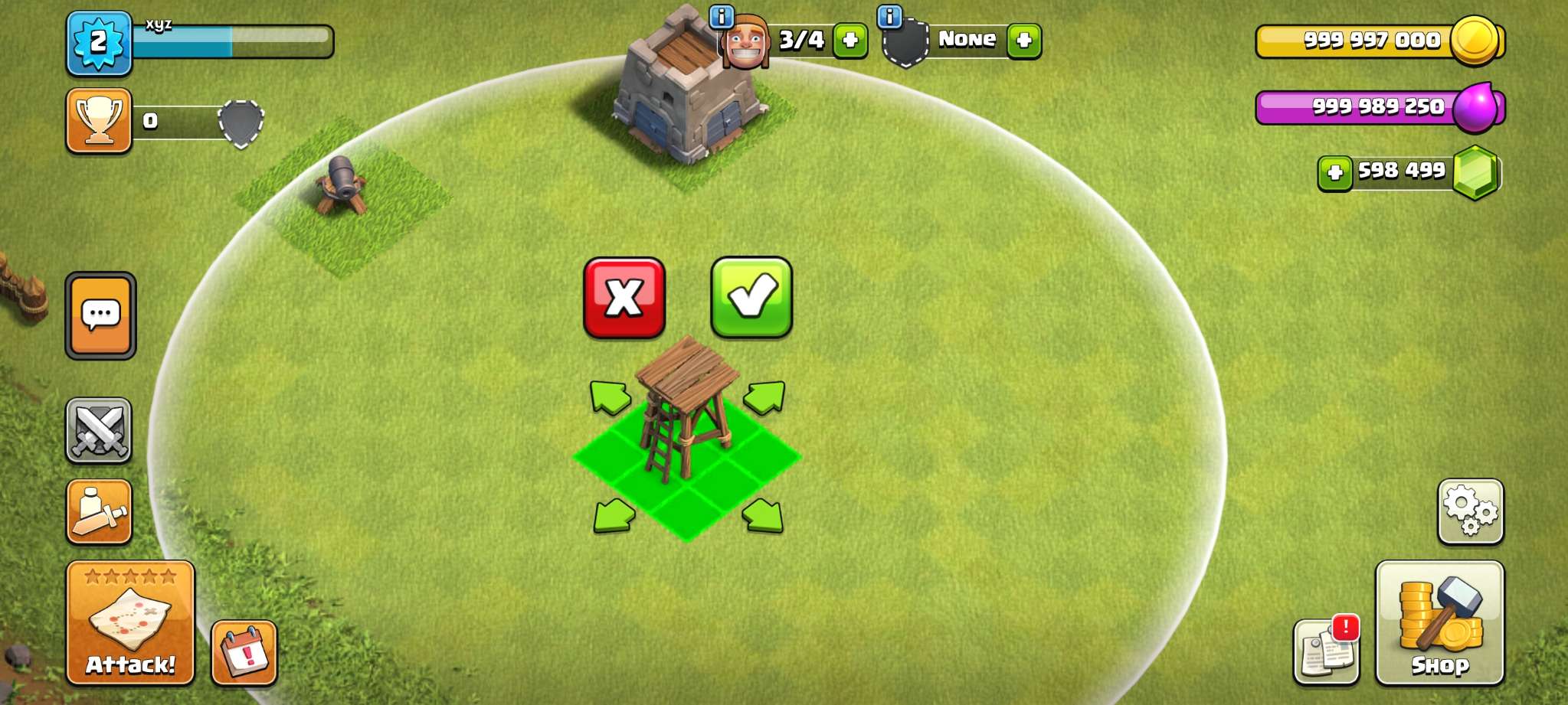
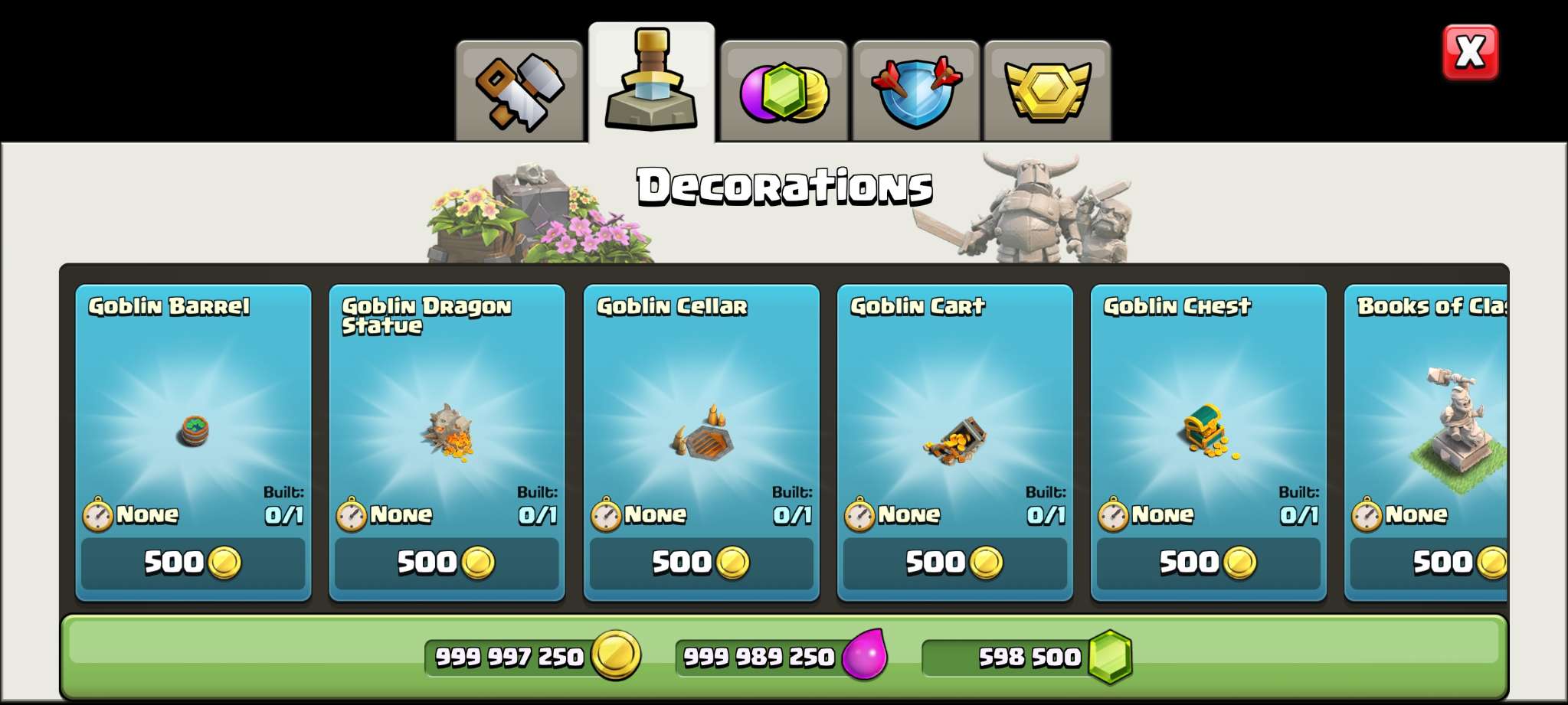
Get unlimited gems, gold, and elixir right from the start. Build your village to max level without waiting or grinding.
Complete constructions in seconds instead of days. No more waiting for upgrades to finish.
Choose from multiple server options including S1, S2, S3, and S4, each with different features and modifications.
Use special commands in clan or global chat to unlock features, max out troops, and customize your experience.
Install and play without rooting your device. Works on all Android devices running version 5.0 or higher.
Clash of Lights is one of the most reliable Clash of Clans private servers, known for its exceptional server uptime of 99.95%. This server has earned a reputation for stability and performance, making it a popular choice among COC private server enthusiasts.
The latest version v18.0.2 includes Town Hall 18 support with all the newest features from the official game. Players get unlimited resources including gems, gold, and elixir from the moment they start playing.
One of the standout features of Clash of Lights is fast building. Instead of waiting days for constructions to complete, buildings can be finished in seconds. This eliminates the time-gating that defines the official game, allowing you to focus on strategy and base design.
The server offers multiple server options labeled S1, S2, S3, and S4. The S4 server runs on the most recent version of Clash of Clans with unlimited everything. Both modded and non-modded versions are available, giving players flexibility in how they want to experience the game.
In-game commands are supported, accessible through clan chat or global chat. These commands allow you to customize your experience, unlock features instantly, and modify various aspects of gameplay. The command system makes it easy to max out your base or reset progress if you want to start fresh.
With 99.95% uptime, Clash of Lights offers one of the most stable private server experiences available. The servers are completely free to use and designed to never crash or lose player data. This reliability means you can invest time building your village without worrying about server issues.
The high-performance emulated servers provide a seamless gaming experience that closely mirrors the official game. All core features including multiplayer battles, clan wars, clan games, and seasonal events are fully functional.
Clash of Lights is designed for Android, but you can enjoy it on your PC using the Bluestacks emulator. Follow this tutorial:
Download Bluestacks from the official website and install it on your computer. The installation process is straightforward and typically takes 5-10 minutes.
Launch Bluestacks and sign in with your Google account. This enables you to install apps and access the full functionality of the emulator.
Visit our download page and download the Clash of Lights APK file to your computer.
Click "Install APK" in Bluestacks or drag the APK file directly into the Bluestacks window. The app will install automatically within seconds.
Find Clash of Lights on your Bluestacks home screen, launch it, and start playing with unlimited resources on your PC!
Playing on PC gives you advantages like a larger screen for better visibility, keyboard and mouse controls for precise base editing, and improved performance on capable hardware.
Disclaimer: Clash of Lights is an unofficial private server not associated with Supercell. Progress on private servers doesn't sync with the official game. Use at your own discretion.
S4 is the most recent server with Town Hall 18 and unlimited everything. If you want the latest features, choose S4. Other servers may have different modifications or features.
Yes, Clash of Lights servers are designed to never lose player data. Your progress is saved and will be there when you return.
Yes, you can type commands in clan chat or global chat to unlock features, max troops, and customize gameplay.
No, Clash of Lights is completely free. All servers, features, and resources are available at no cost.
Ready to try the most reliable COC private server?
Download Now